What Is Motion Sickness in Gaming
What Causes Motion Sickness in Gaming?
At its core, gaming motion sickness is a disconnect between perception and reality. Your brain is an excellent pattern-recognizer, and it gets upset when the inputs don't match up.- Your Eyes Say: "We are moving! Look at the camera panning, the character running, the ship banking!"
- Your Inner Ears & Body Say: "We are sitting completely still on a couch/chair."
- Your Brain's Reaction: "This is wrong. One of these signals must be a toxin-induced hallucination. Initiate nausea and discomfort to encourage expulsion of the supposed toxin." It's a primitive, protective misfire.
- Low Field of View (FOV): A narrow, tunnel-vision FOV (common on consoles or unadjusted PC ports) exacerbates the disconnect. Your peripheral vision, which normally provides stable visual anchors, sees only the moving game world.
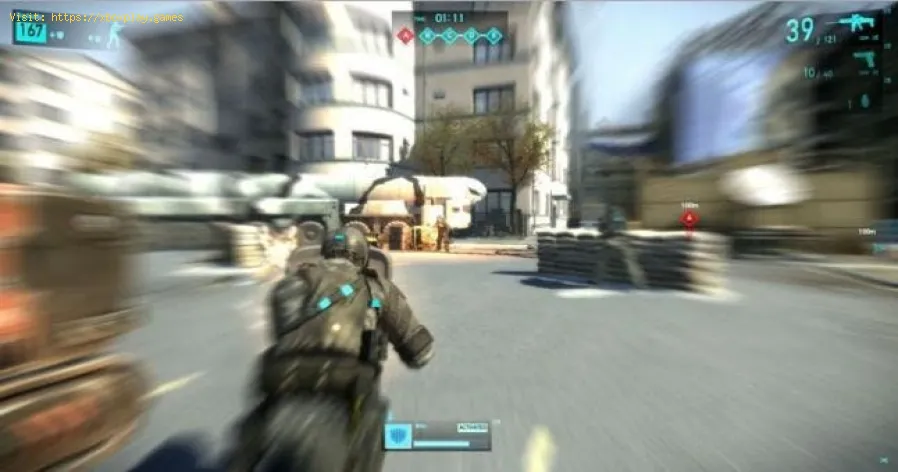
- Camera Control & Acceleration: Erratic or floaty camera movement, heavy motion blur, and head bobbing simulate unnatural movement that the brain can't reconcile.
- Frame Rate Issues: Low FPS (Frames Per Second) or inconsistent frame pacing (stuttering) creates a juddery, unnatural visual flow that is highly disorienting.
- VR-Specific Factors: In Virtual Reality, the effect is magnified. "Artificial locomotion" (using a thumbstick to move while physically stationary) is the biggest culprit, as is any latency between your head movement and the visual update.
Who Gets It? (It's More Common Than You Think)
While anyone can be susceptible, certain factors increase likelihood:- First-Person Games: Are more likely to cause sickness than third-person games due to the direct perspective.
- Genre Susceptibility: Flight/space sims, first-person shooters (especially with lots of camera sway), and fast-paced platformers are frequent triggers.
- Individual Physiology: Women are statistically more susceptible than men. People who get carsick or seasick are more likely to experience simulation sickness.
- Fatigue, Dehydration, or Empty Stomach: These conditions lower your overall threshold.
The Quick Fix Toolkit (For Immediate Relief)
If you start feeling sick, do not try to "power through." It will only get worse and condition a negative response.Detailed Step-by-Step Prevention & Adaptation Strategies
You can train your brain to better tolerate virtual motion. Think of it as "getting your VR legs" or "gamer sea legs."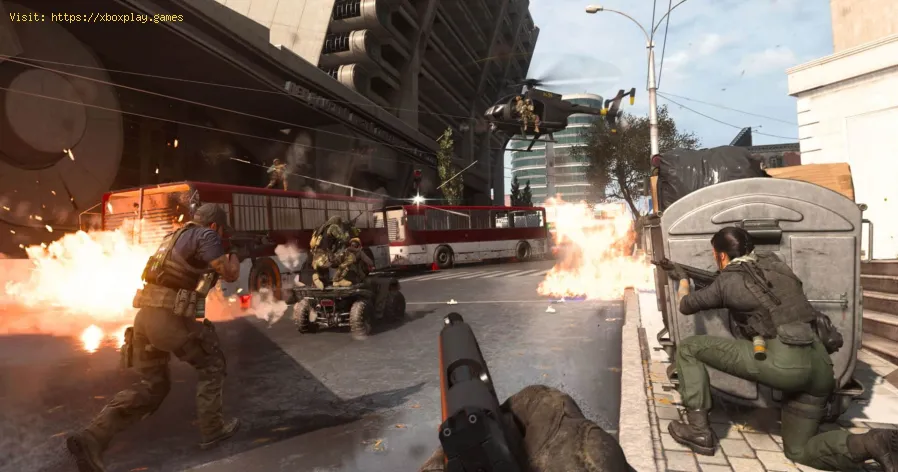
Step 1: Optimize Your Game Settings (The Most Impactful Step)
- Increase Field of View (FOV): This is priority #1. Widen the FOV slider to 90-110 degrees (if available). This gives yourperipheral vision stable screen borders as a reference point, reducingthe feeling of being "inside" the motion.
- Disable Motion Blur, Camera Bob, and Film Grain: These post-processing effects simulate motion in a way that directly conflicts with your static body. Turn them OFF.
- Maximize Frame Rate & Stability: Aim for a stable 60 FPS minimum. On PC, lower graphics settings toachieve this. A high, stable frame rate (90, 120, 144+ FPS) providessmoother visual flow, which is far less nauseating.
- Adjust Camera Sensitivity: Lower sensitivity for smoother, less twitchy turns. Disable any mouse acceleration or smoothing.
Step 2: Optimize Your Play Environment
- Increase Distance from Screen: Don't sit too close to a large monitor or TV. A greater distancereduces the area of your visual field occupied by the moving image.
- Ensure Proper Lighting: Play in a well-lit room. A completely dark room with a bright screen heightens the sensory contrast and disorientation.
- Use a Fan: Point a fan at your face and torso. The constant airflow provides a physical sensory cue that helps ground you.
Step 3: Gradual Exposure & Physical Techniques
- Start Short and Sweet: Begin with 10-15 minute sessions of the triggering game. Stop at the first hint of discomfort—not when you feel awful.
- Choose "Safe" Games First: Start with third-person or slower-paced games before tackling intense first-person shooters or VR flight sims.
- Use Physical Anchors: In VR, try games with teleportation movement first. When usingartificial locomotion, try "swinging" your arms as you walk in-game orshifting your weight slightly. This gives your body some correlated motion signal.
- Chew Gum or Have a Light Snack: Having something in your stomach (not too full, not empty) can help.The act of chewing provides a rhythmic, grounding sensory input.
Step 4: Consider External Aids
- Acupressure Bands: Wristbands like Sea-Bands apply pressure to the Nei-Kuan point, which some find helpful for nausea.
- Over-the-Counter Medication: Meds like Dramamine (dimenhydrinate) or Meclizine can be takenpreventatively, but consult a doctor first, as they can causedrowsiness.
- Specialized Glasses: Some companies offer glasses with peripheral blinders or prismatic lenses designed to reduce sensory conflict.
For VR-Specific Sufferers
VR is the ultimate test, but the principles are the same, amplified.
- Always use "Comfort Settings": Teleport movement, snap-turning (instead of smooth-turning), and vignetting (subtly darkening the periphery during movement).
- Start with Stationary Experiences: Play games where you stand or sit in one virtual spot (Beat Saber, Superhot VR).
- Focus on the Horizon: When moving in VR, try to fix your gaze on the distant horizon line, not on the ground rushing beneath you.
How to Prevent It from Ruining Your Experience Long-Term
- Never "Push Through": This reinforces the negative association and can make the problem worse.
- Stay Consistent: Short, regular sessions are more effective for building tolerance than infrequent, long marathons.
- Know Your Triggers: Identify which specific settings or game types are worst for you and avoid them or adjust aggressively.
Frequently Asked Questions (FAQs)
Q: Will I ever "outgrow" or fully cure gaming motion sickness?
A: Most people can significantly reduce their sensitivity or build tolerance through gradual exposure and proper settings. For some, it may never be completely eliminated for the most extreme cases (e.g., VRrollercoasters), but it can be managed to the point of enjoying mostgames.
Q: Are some people just immune?
A: Yes. A portion of the population has a very robust vestibular system andexperiences little to no simulation sickness. Don't compare yourself tothem!
Q: Is motion sickness a sign of a weak gaming setup?
A: Not at all. It's a physiological response, not a reflection of skill or dedication. Many professional gamers and streamers deal with it.
Q: Can changing my posture help?
A: Yes. Sitting upright with good posture, with your feet flat on the floor,gives your body more stable proprioceptive feedback than slouching orlying down.
Q: Does playing on a smaller screen help?
A: Often, yes. Playing on a laptop screen or a handheld device like the Nintendo Switch in handheld mode can reduce symptoms because the moving image occupies less of your total field of view.
Motion sickness in gaming is a real, physiological challenge, but it is not an insurmountable one. With a strategic approach—centered on widening your FOV, stabilizing your frame rate, and practicing gradual exposure—you can train your brain to accept the virtual world.
Have you successfully overcome gaming motion sickness? Share the one setting change or trick that made the biggest differencefor you in the comments below. Your tip could be the key for anotherplayer. If you're still struggling, describe the specific game and yoursetup, and our community can offer targeted advice. For more guides onoptimizing game settings for performance and comfort, explore our fulllibrary. Don't let queasiness steal your adventures. Take control, tweak those settings, and game on in comfort.
Other Articles Related
What Is a Sandbox Gamethe world of sandbox games! Learn what defines this genre, its keyfeatures, and why players love the freedom to create and explore.
What Is a Skill Tree
Explore the intricacies of skill trees, their role in gaming, and howthey empower players to customize abilities.
What Is a HUD in Video Games
Explore what a HUD is in video games and its importance in deliveringessential information to players. Enhance your gaming
What Is Motion Sickness in Gaming
Learn about motion sickness in gaming, including its triggers, effectson players, and tips to reduce symptoms
The Best RPGs for New Players
Discover the best RPGs for new players! Dive into immersive worlds, engaging stories, and easy-to-learn mechanics.
How to Play Better in Team‑Based Games
strategies to enhance your skills in team-based games. Learn tips and tricks for better teamwork and gameplay.
How to Improve Movement in Shooters
effective strategies to enhance movement in shooter games. Boost your gameplay and dominate the competition
Best Games for Competitive Players
the best couch co-op games that bring friends and family together forunforgettable gaming experiences. Dive into fun and teamwork
The Best Couch Co‑Op Games
Explore our curated list of the best couch co-op games perfect forbonding with friends and family. Get ready for laughter
The Best Games for High‑End PCs
the best games for high-end PCs that deliver stunning graphics and immersive gameplay. Elevate your gaming experience
The Best RPGs for New Players
Discover the best RPGs for new players! Dive into immersive worlds, engaging stories, and easy-to-learn mechanics.
The Best Games on Xbox Game Pass for 2026
the best games on Xbox Game Pass for 2026! Explore top titles, hidden gems, and must-play adventures to enhance your gaming