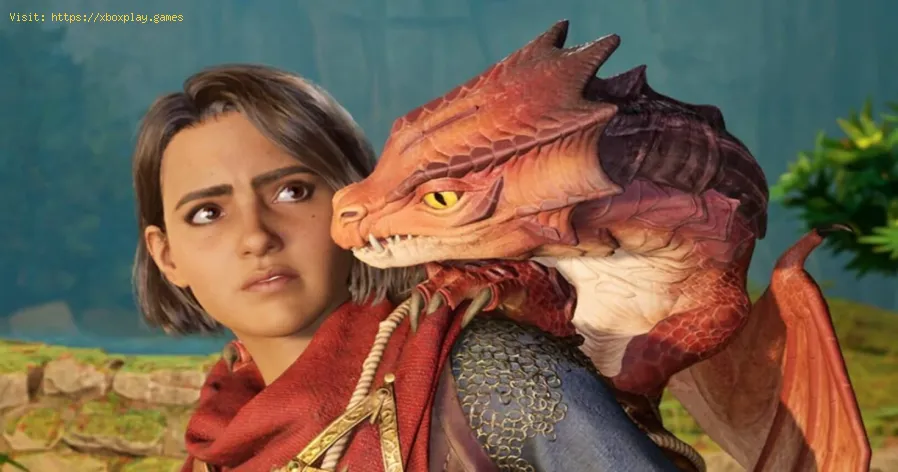
How to download Friend Pass and play Split Fiction for free
"Split Fiction," following in the footsteps of Hazelight Studios' critically acclaimed co-op titles like "A Way Out" and "It Takes Two," emphasizes the power of shared experiences. Central to this vision is the Friend Pass, a feature designed to break down barriers and foster cooperative gameplay.1 This innovative system allows players to embark on the game's narrative-driven adventure with a friend, even if only one person owns the full game. This article delves into the intricacies of the Friend Pass, providing a comprehensive guide on how to download, use, and maximize this feature for an unparalleled cooperative gaming experience.
Split Fiction: How to download Friend Pass and play
Understanding the Friend Pass: A Gateway to Shared Adventures
The Friend Pass is Hazelight's commitment to making "Split Fiction" a truly cooperative experience. It enables players who own the game to invite friends to join their journey without requiring them to purchase a separate copy.2
Core Functionality:
- Players who own "Split Fiction" can invite friends to play the full game for free.3
- Invited players download a special Friend Pass version, granting them access to the game's content.4
Limitations:
- Invited players do not earn trophies or achievements on their own accounts.
- Progress is not saved on the invited player's account.
- Despite these limitations, invited players enjoy the full game experience without content restrictions.
Downloading and Utilizing the Friend Pass: Step-by-Step Guide
To leverage the Friend Pass and embark on a cooperative adventure, follow these steps:
1. Game Ownership:
- Ensure that at least one player owns the full version of "Split Fiction," either digitally or physically.
2. Friend Pass Download:
- Invited players must download the Friend Pass version from their platform'sstore (PlayStation Store, Xbox Store, or PC via EA App/Steam).5
- The Friend Pass is a free download, acting as a launcher to join a friend's session.6
3. In-Game Invitation:
- The game owner sends an in-game invitation to their friend via the platform's friends list.
- Crossplay functionality, powered by Electronic Arts' system, allows invitations across different platforms.7
4. Cooperative Gameplay:
- Once the invitation is accepted, both players can enjoy the full "Split Fiction" experience in cooperative mode.
Crossplay Compatibility: Bridging Platform Divides
"Split Fiction" supports full crossplay, enabling seamless cooperative gameplay across different platforms.8
Platform Compatibility:
- Players on PS5 can invite friends on Xbox or PC, and vice versa.9
- This cross-platform functionality enhances accessibility and expands the pool of potential cooperative partners.
The Friend Pass in "Split Fiction" exemplifies Hazelight Studios'dedication to fostering cooperative gaming experiences. By enablingplayers to share the game with friends without requiring additionalpurchases, the Friend Pass breaks down barriers and promotesinclusivity. Whether navigating intricate puzzles or engaging in dynamic narrative sequences, the Friend Pass ensures that every cooperativemoment is accessible and enjoyable. As players delve deeper into thenarrative of "Split Fiction," the Friend Pass serves as a testament tothe power of shared experiences and the enduring appeal of cooperativegameplay. Ultimately, the ability to bridge platform divides and sharethe adventure with friends underscores the Friend Pass's role increating a truly connected gaming community.
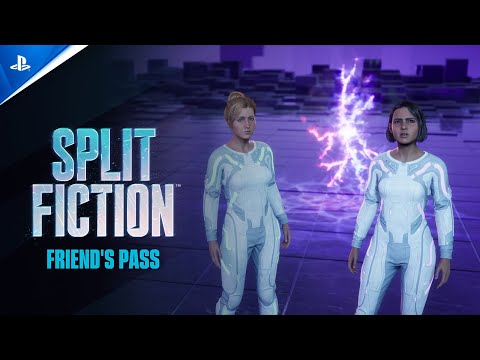
Other Articles Related
How to Unlock Secret Level Laser Hell in Split FictionUnlock the secret level Laser Hell in Split Fiction with our step-by-step guide.
How to fix Split Fiction Not Enough Video Memory Error
Learn how to fix the Split Fiction Not Enough Video Memory error with our step-by-step guide. Boost your gaming experience today!
How to Fix Split Fiction Unable to Invite Friends Issue
Fix the "Unable to Invite Friends" issue in Split Fiction with ourcomprehensive guide.
How to solve the Electric Grid puzzle in Split Fiction
Discover innovative solutions to the Electric Grid puzzle in Split Fiction.
How to Fix Split Fiction Not Enough Disk Space Error While Updating
Resolve the "Not Enough Disk Space" error while updating Split Fictionwith our guide.
How to Fix Split Fiction Family Sharing Not Working
Discover effective solutions to fix Split Fiction family sharing issues. Get your family back
How to Solve Totem Puzzle in Split Fiction
Unlock the secrets of the Totem Puzzle in Split Fiction with our step-by-step guide.
How to Solve the Ice Block Puzzle in the Ice King Palace in Split Fiction
Discover effective strategies to solve the Ice Block Puzzle in the Ice King Palace in Split Fiction.
How To Solve The Bird Puzzle In Split Fiction
Discover the solution to the Bird Puzzle in Split Fiction with our step-by-step guide.
How to Beat Mr. Hammer in Split Fiction
Master the strategies to defeat Mr. Hammer in Split Fiction with our comprehensive guide. Unlock tips and tricks for ultimate victory!
How to Fix FragPunk not working on Steam
Learn how to resolve FragPunk issues on Steam with our expert guide.Find practical tips
minimum and recommended system requirements in Split Fiction
Discover the minimum and recommended system requirements for Split Fiction to ensure gameplay.
How to Find Gold Veins in Fortnite
Discover expert tips on how to find gold veins in Fortnite and maximize your loot.